Powerful Features,
Completely Offline.
Discover the tools designed to keep your digital identity secure and organized, entirely on your local machine.
Encrypted Backup & Import
Your Data is Portable. Secure exports/imports allow you to move your vault to any machine safely. Smart merging ensures no data is lost during transitions.
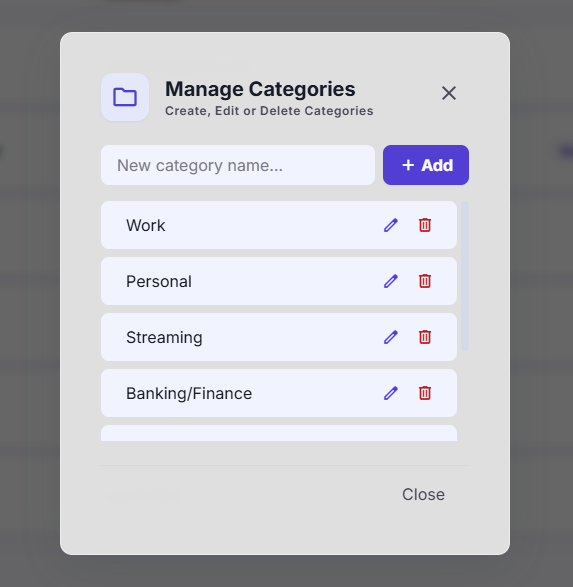
Categorization & Filters
Organized in Seconds. Clickable tags and fast search functionality to find exactly what you need without digging through endless lists.
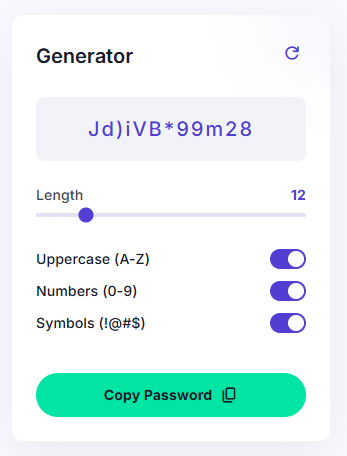
Built-in Password Generator
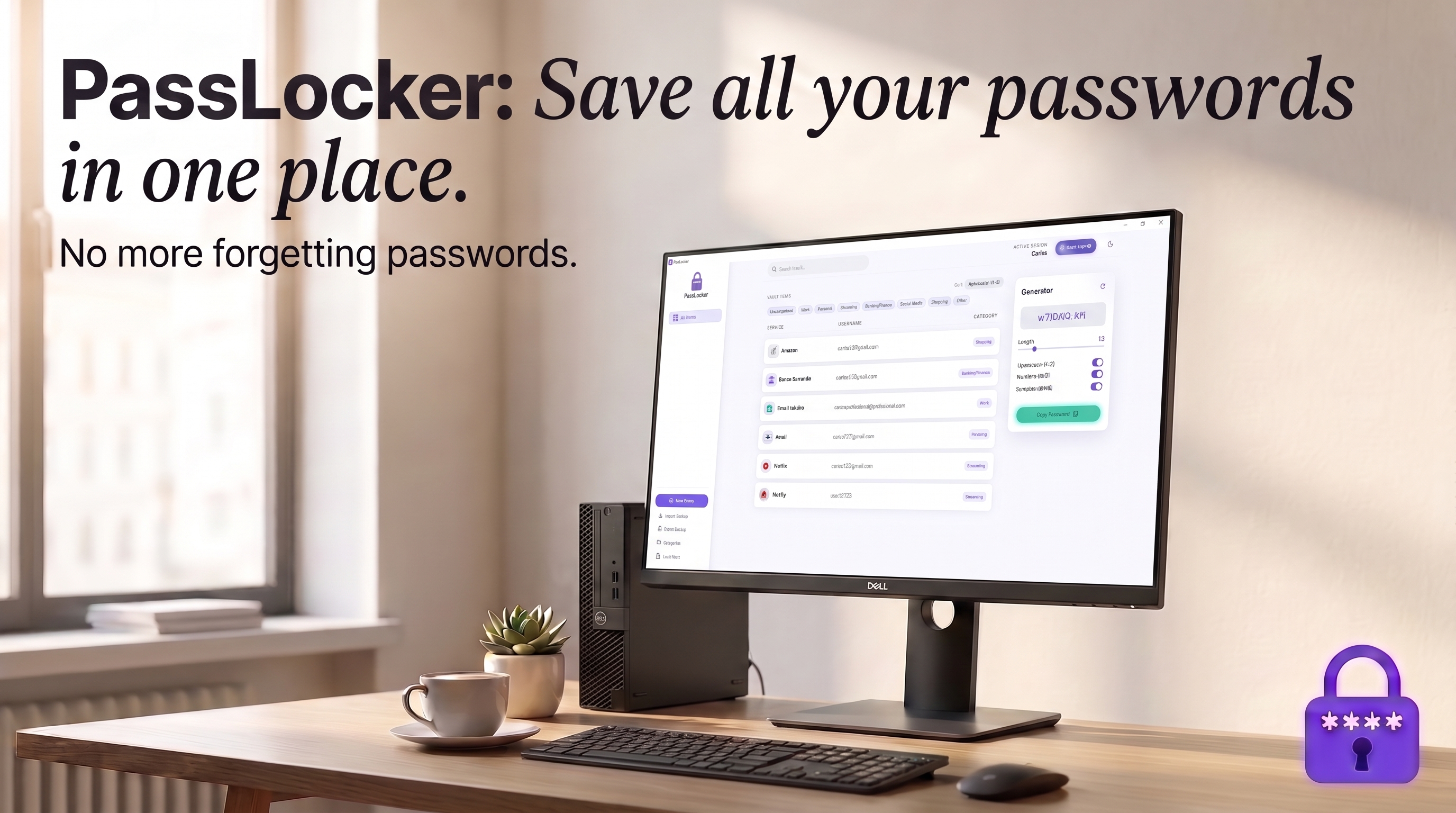
Generate cryptographically secure, random passwords locally based on your exact length and character requirements.
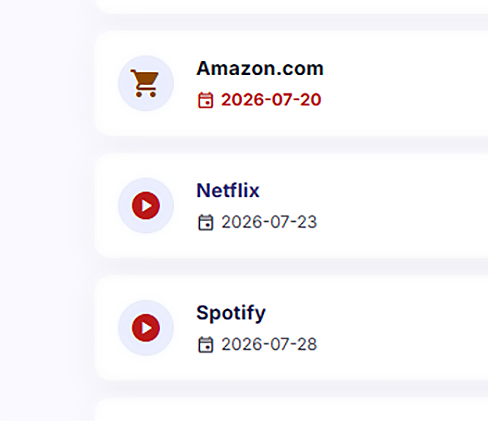
Subscription & Expiry Alerts
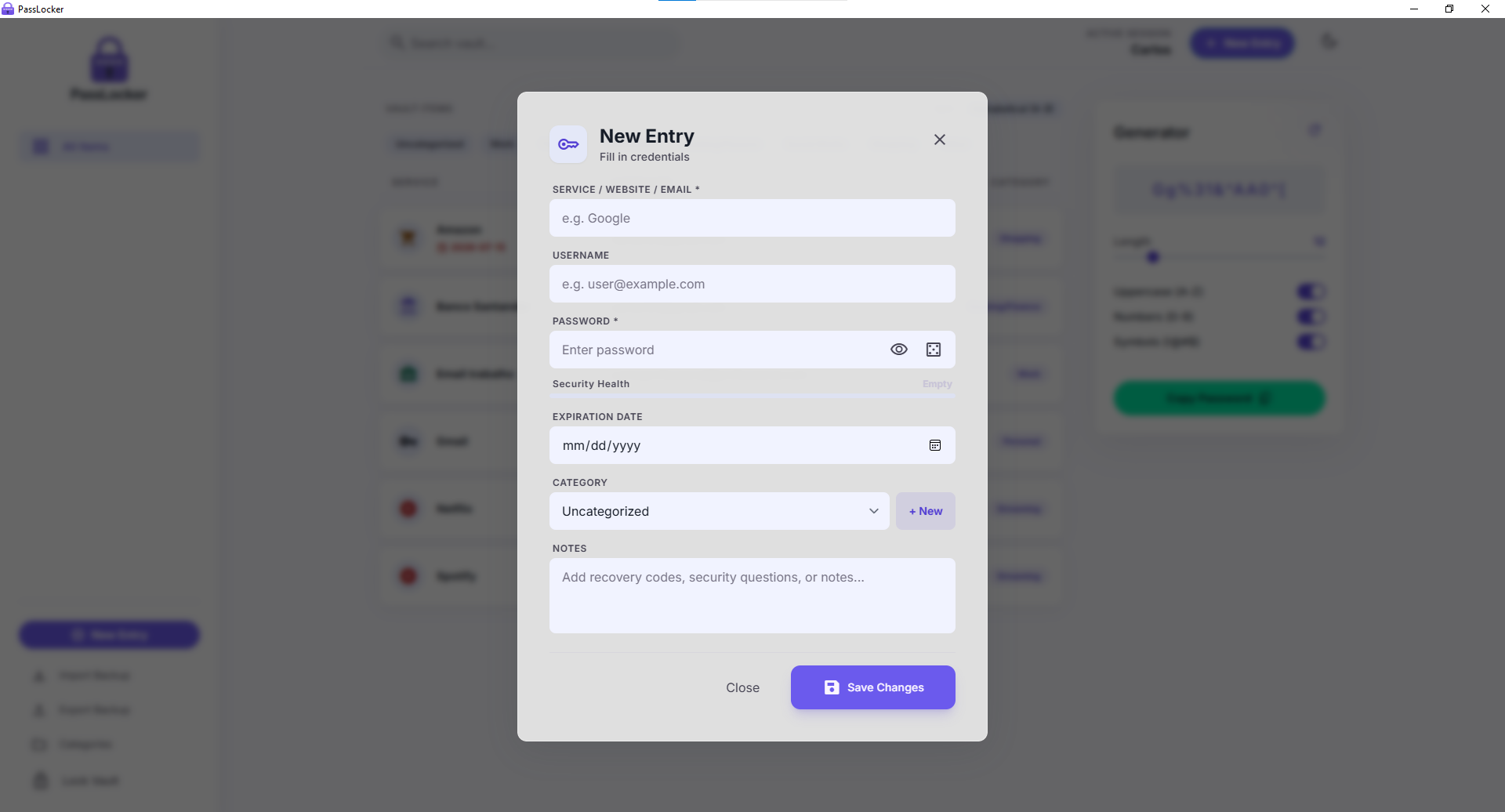
Never Miss a Renewal. Add optional validity dates to your entries that automatically turn red within 5 days of expiry.
Everything Else You Need
Security
- • AES-256-GCM encryption — the same standard trusted by banks and governments, protecting every entry before it touches your disk
- • PBKDF2-HMAC-SHA256 key derivation (100,000 iterations, unique random salt per user) — makes brute-force attacks computationally infeasible
- • Brute-force lockout protection — auto-locks after 5 failed attempts, with a doubling cooldown timer (60s → 120s → 240s...)
- • Zero-knowledge design — your Master Password is never stored anywhere, not even by us
Privacy
- • 100% offline — no internet connection required for any feature
- • Zero cloud, zero telemetry — no servers, no accounts, no analytics, no outbound network calls, ever
- • Your data never leaves your device — full and permanent control over your own vault
Organization
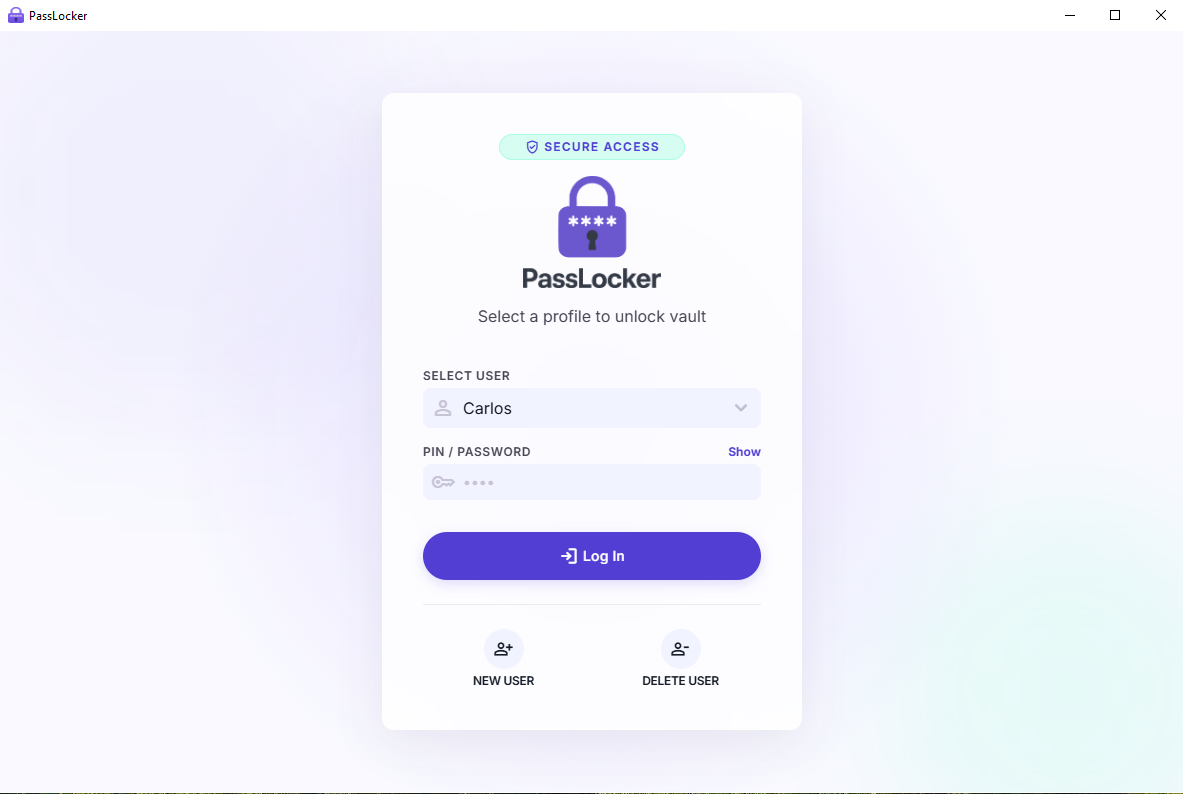
- • Multi-user profiles — fully isolated, password-protected vaults, each accessed through its own login, ideal for families or shared PCs
- • Sortable vault table — sort alphabetically by service, username, or category
- • Notes field — store recovery codes, security questions, or extra details per entry
Convenience
- • Real-time strength meter — instant visual feedback (Weak/Medium/Strong) as you type or generate
- • Double-click to copy — instantly copy any password to your clipboard, no need to open the entry
Ownership
- • Just 2,99$ — no subscriptions, no recurring fees, download once and own it forever
- • Light & Dark mode — full theme support that persists across sessions